Build a Production Go REST API — From Zero to Deployed on Google Cloud
67 lessons, 18+ hours of video. Go from a blank folder to a REST API with auth, a real database, CI/CD, and a live deployment on Google Cloud.
- 67 lessons
- 18+ hours
What you'll learn
- A real mental model of backend architecture — application layer, storage layer, and the Repository pattern
- A complete Notes REST API built from scratch in Go, with a chi router and SQL migrations
- Authentication done properly — Basic Auth, OAuth 2.0, and stateless token auth, implemented and explained
- A CI/CD pipeline with GitHub Actions that builds a Docker image and deploys it to Google Cloud automatically
- The confidence to take any Go backend from your laptop to a live, running service
Technologies you'll work with
- Go
- Docker
- SQLite
- Git
- Google Cloud
Course content
Introduction
18:32
What this course covers, the tech stack you'll use, and why each tool was chosen.
Project Initialization
53:12
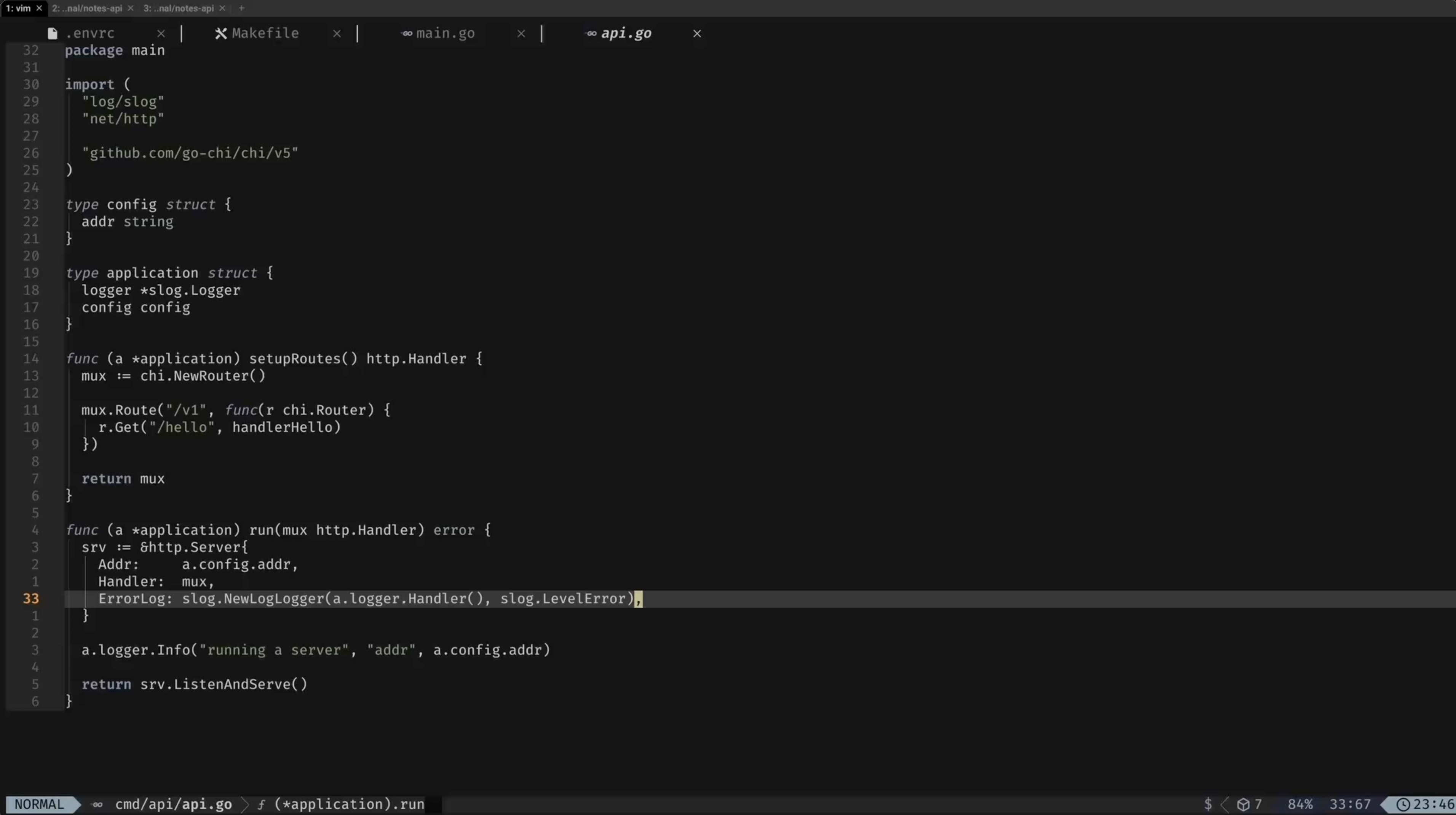
Set up the project from a plain 'Hello, World!' — Makefile, environment variables, an HTTP server, logging, and routing with chi.
Structuring HTTP Server for Notes CRUD
1:33:28
Design the HTTP routes and handlers for a Notes API, plus reusable response helpers and payload validation.
Introducing Storage (Database)
1:41:51
Connect to SQLite, learn the theory behind application vs. storage layers, and implement the Repository pattern with migrations via goose.
Notes CRUD
2:41:27
Implement full Create, Update, Get, and Delete functionality for notes, including duplicate handling and partial updates.
Adding Users
1:04:17
Model users, handle passwords safely, and implement user creation end to end.
Authentication
4:31:02
Basic Auth, OAuth 2.0, and token authentication in theory and in practice — tokens, middleware, and a full registration & login flow.
Notes management per users
1:33:34
Tie notes to their owners, pass user data through context, and restrict updates and deletes to the note's author.
Continuous Deployment
17:23
What Continuous Deployment is and how it fits into the rest of this course.
Git and GitHub
17:43
Get comfortable with the GitHub CLI and set up a new git repository for the project.
Databases in Cloud
25:52
Move off your local database onto a cloud SQLite database with Turso, and connect your application to it.
Getting Started with Docker
31:12
Containerize the application — write a Dockerfile, build the image, and run it in a container.
Deploying to Google Cloud
2:28:04
Push your Docker image to Google Cloud, stand up a service, wire up Secret Manager, and automate it all with GitHub Actions.
Who it's for
- Go developers who know the basics but have never shipped a real backend
- Backend engineers who want proper authentication and deployment, not just CRUD
- Developers who've followed tutorials before but never took a project all the way to a live cloud deployment