Stop Copy-Pasting Dockerfiles. Actually Understand Docker.
11 videos — one per day, straight to your inbox. By day 11 you'll have a Go API + Postgres running in Docker Compose. And you'll actually understand every line.
- 11 videos
- Free forever
- Full source code
What you'll learn
- A real mental model of Docker — not just commands, but why they work
- A multi-stage Dockerfile for a Go API, built from scratch and explained line by line
- A Docker Compose setup with Go + Postgres you can drop into your own projects
- The confidence to debug, rebuild, and adapt any Docker setup you encounter
Course content
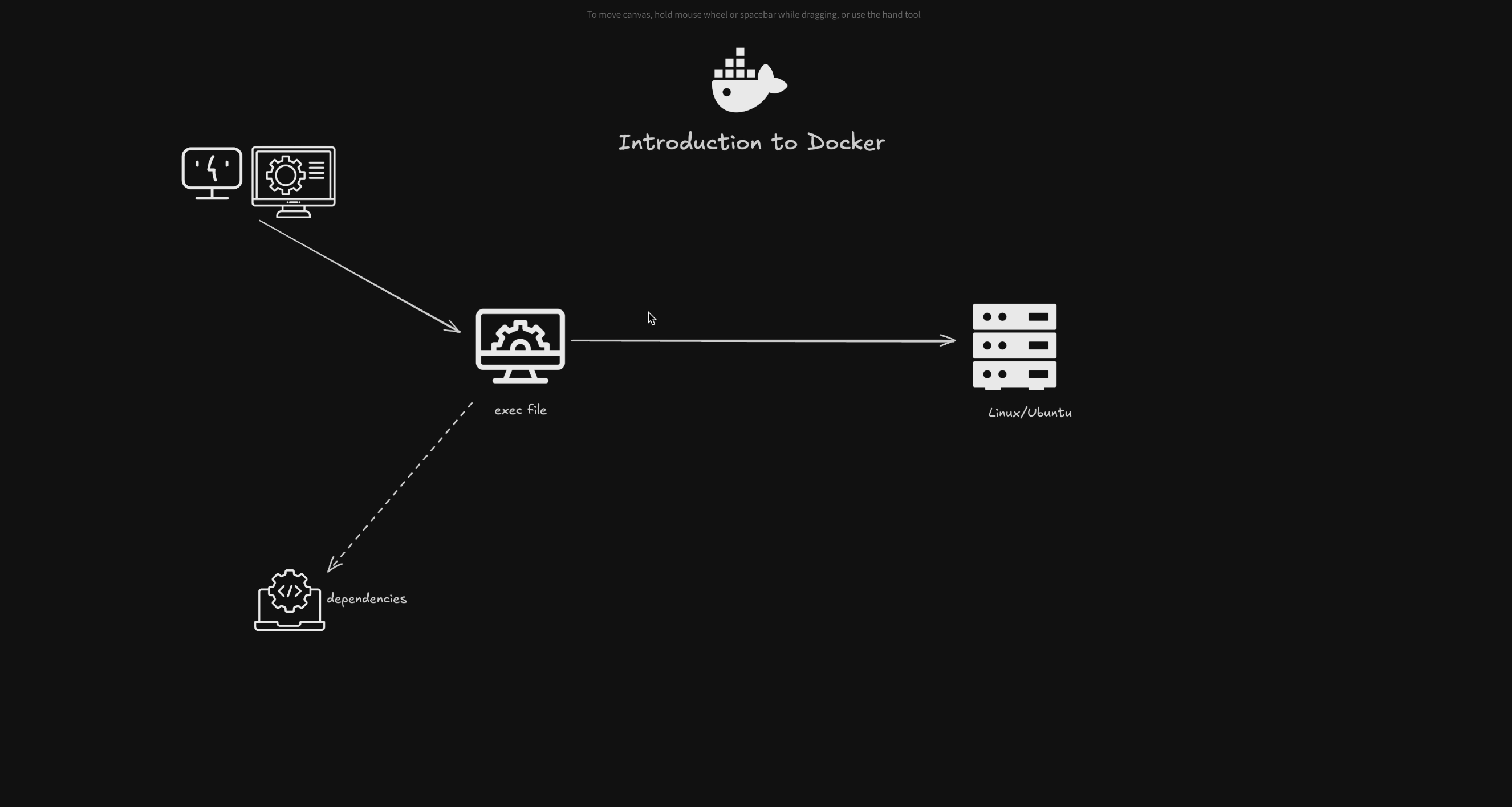
Day 1 — Introduction to Docker: What & Why
56:03
What Docker actually is, why it exists, and the problems it solves for Go developers.
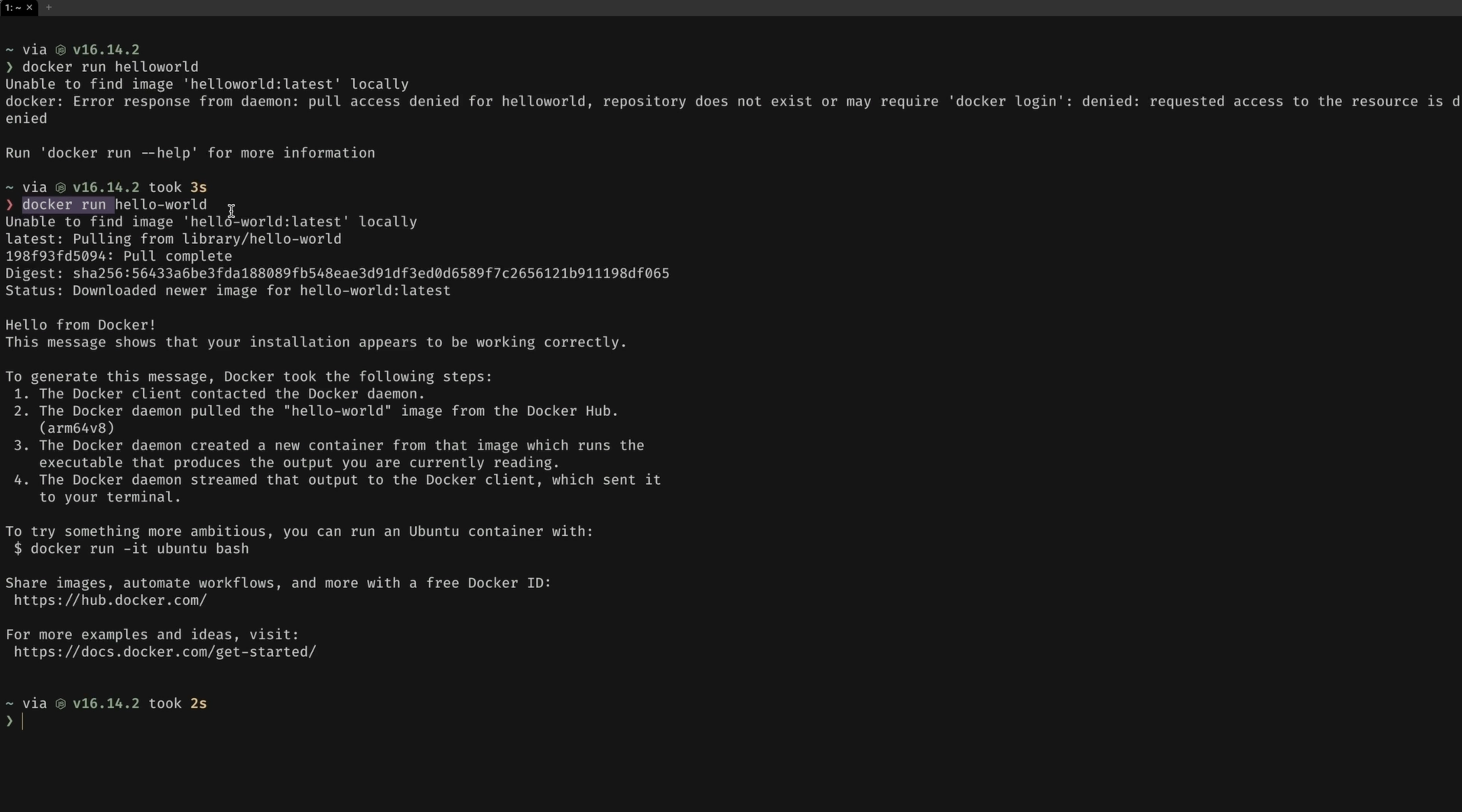
Day 2 — Getting Started with Docker: Installation and First Commands
12:32
Install Docker and run your first containers, getting comfortable with basic commands of the CLI you'll use every day.
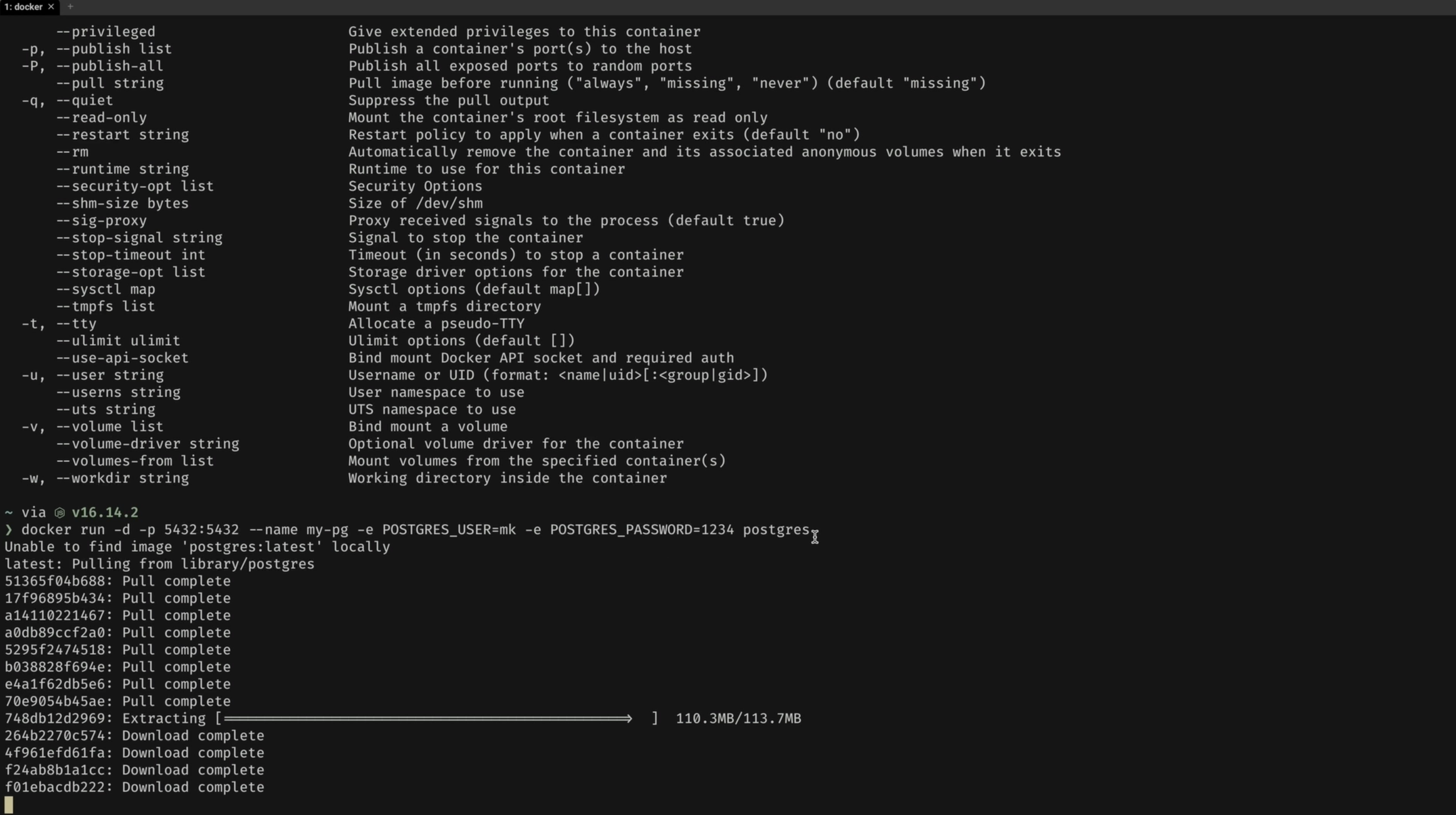
Day 3 — Running Postgres in Docker
28:19
Run a Postgres database in a container and connect to it. You won't need to install Postgres on your local machine anymore.
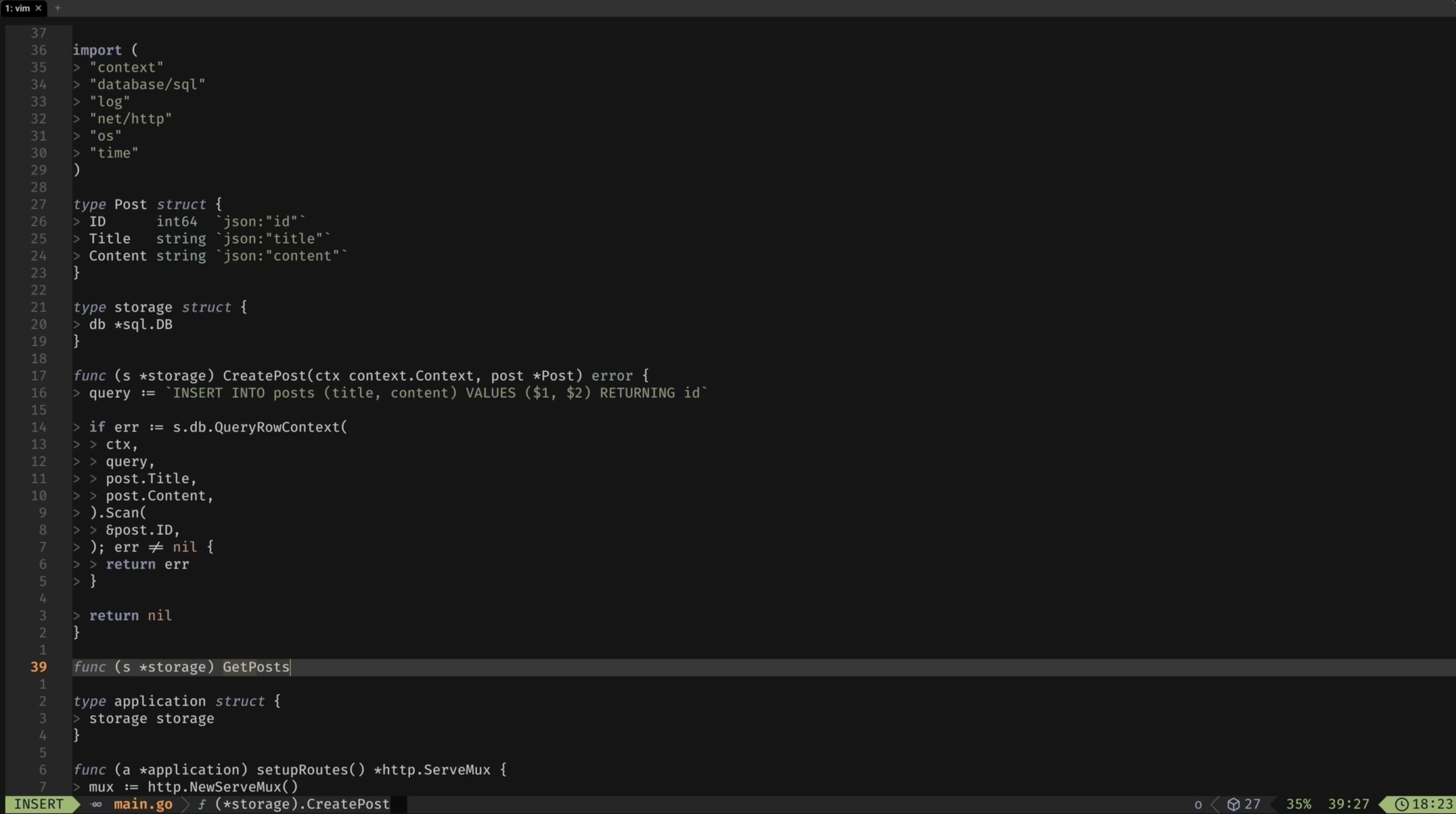
Day 4 — Building a Go Application
29:49
Build the Go API we'll containerize for the rest of the course, so there's real code behind every Docker concept.
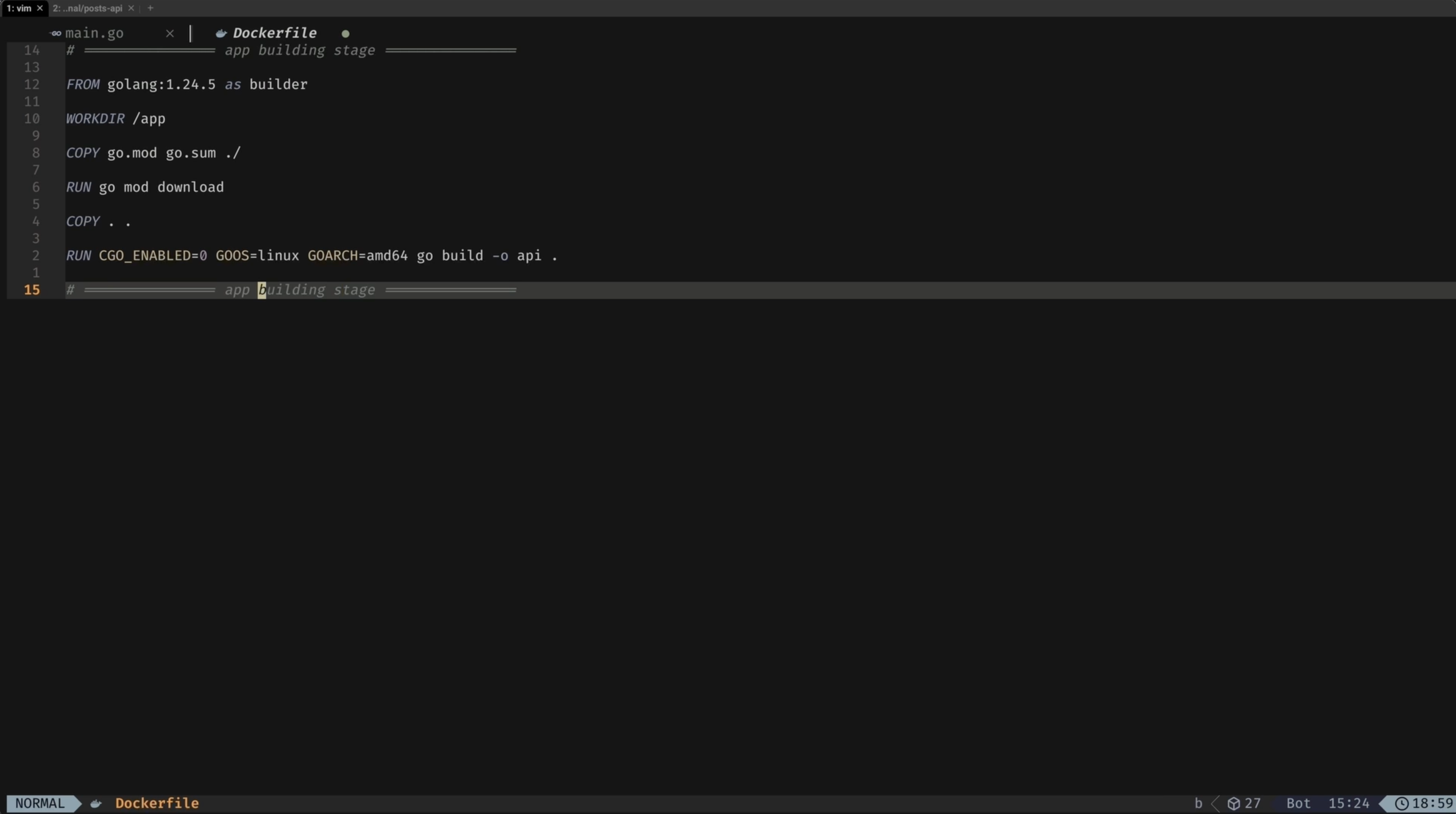
Day 5 — Creating a Dockerfile
25:10
Write a multi-stage Dockerfile for the Go API from scratch, explained line by line.
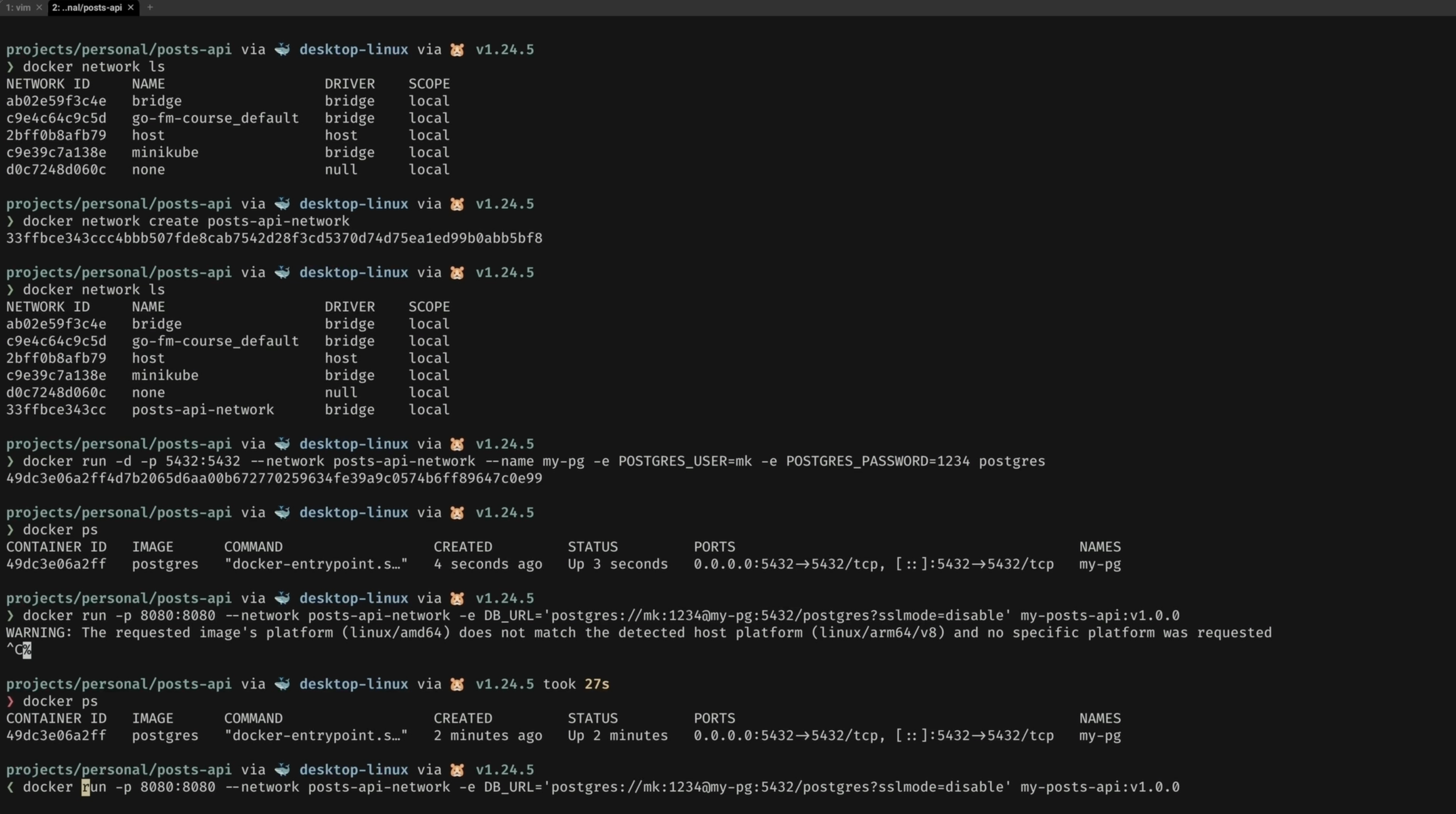
Day 6 — Running Postgres and a Go Application in Docker Network
19:27
Get the Go API and Postgres talking to each other over a Docker network, both running in containers.
Day 7 — Managing Docker Containers and Introducing Volumes
20:23
Manage running containers day-to-day and introduce volumes so your data survives a restart.
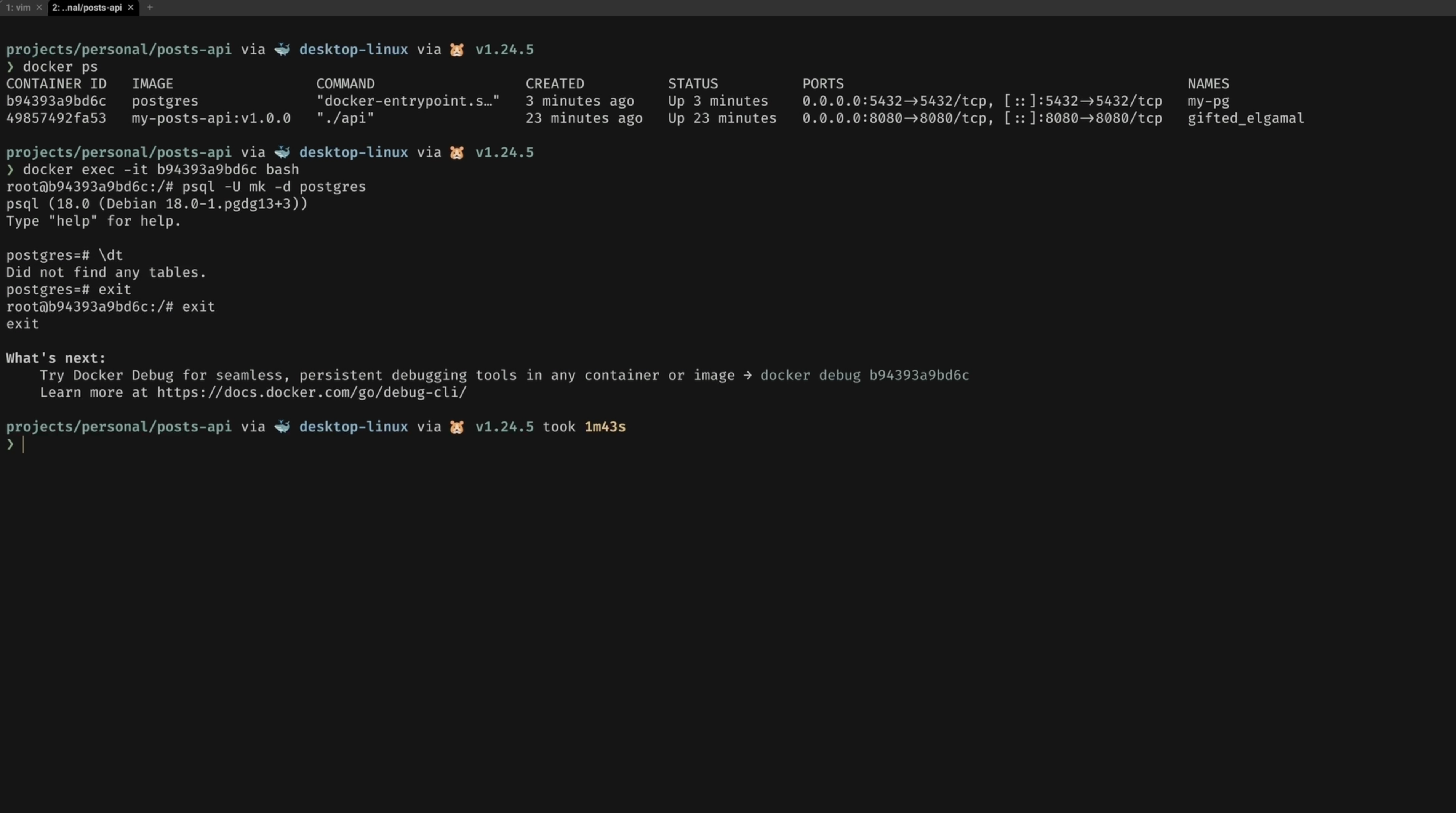
Day 8 — Introducing Docker Compose
06:46
Meet Docker Compose and see why it replaces a growing list of manual docker run commands.
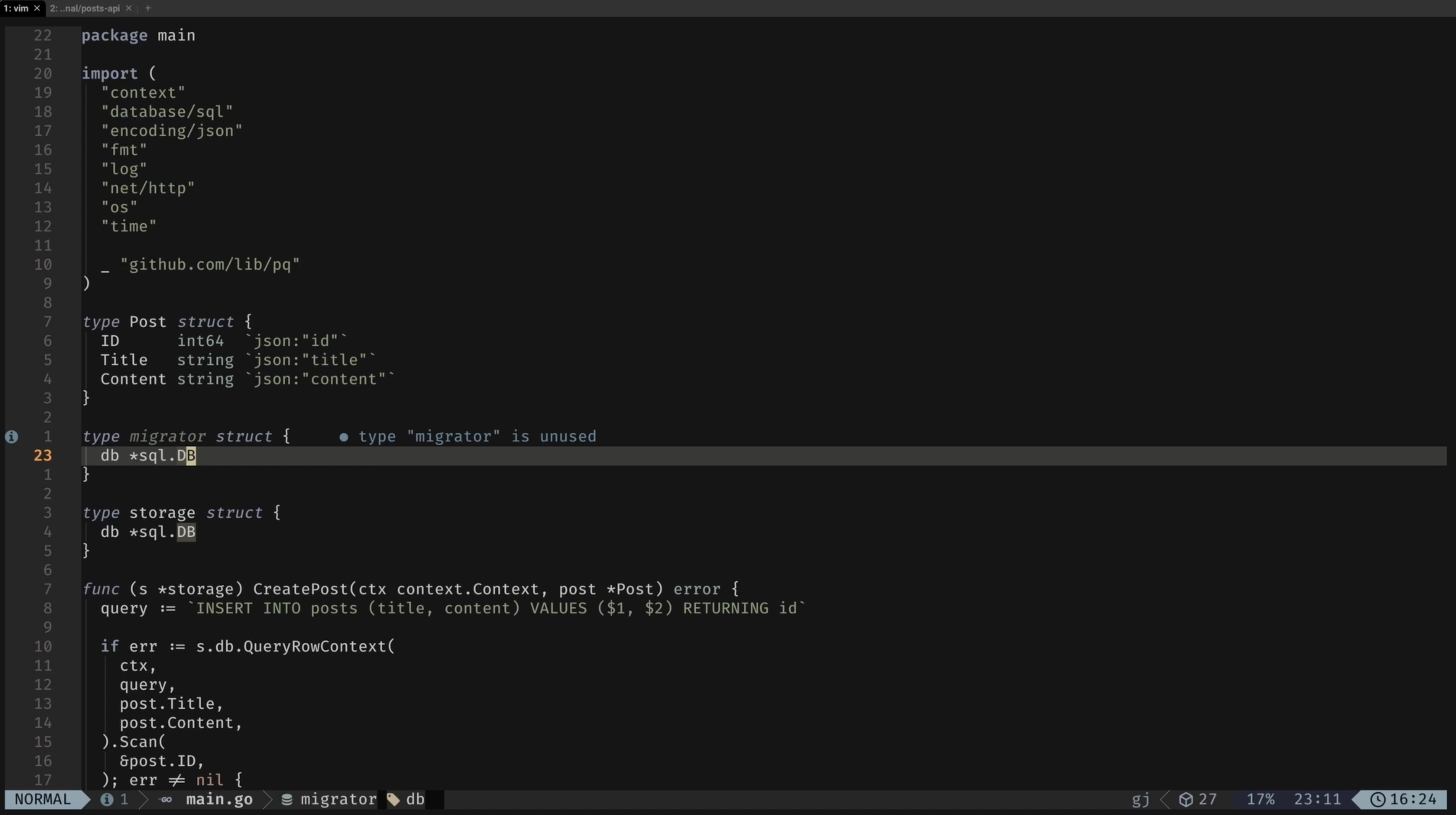
Day 9 — Project Improvement: Adding Migrations
39:54
Add database migrations to the project so schema changes are tracked and repeatable.
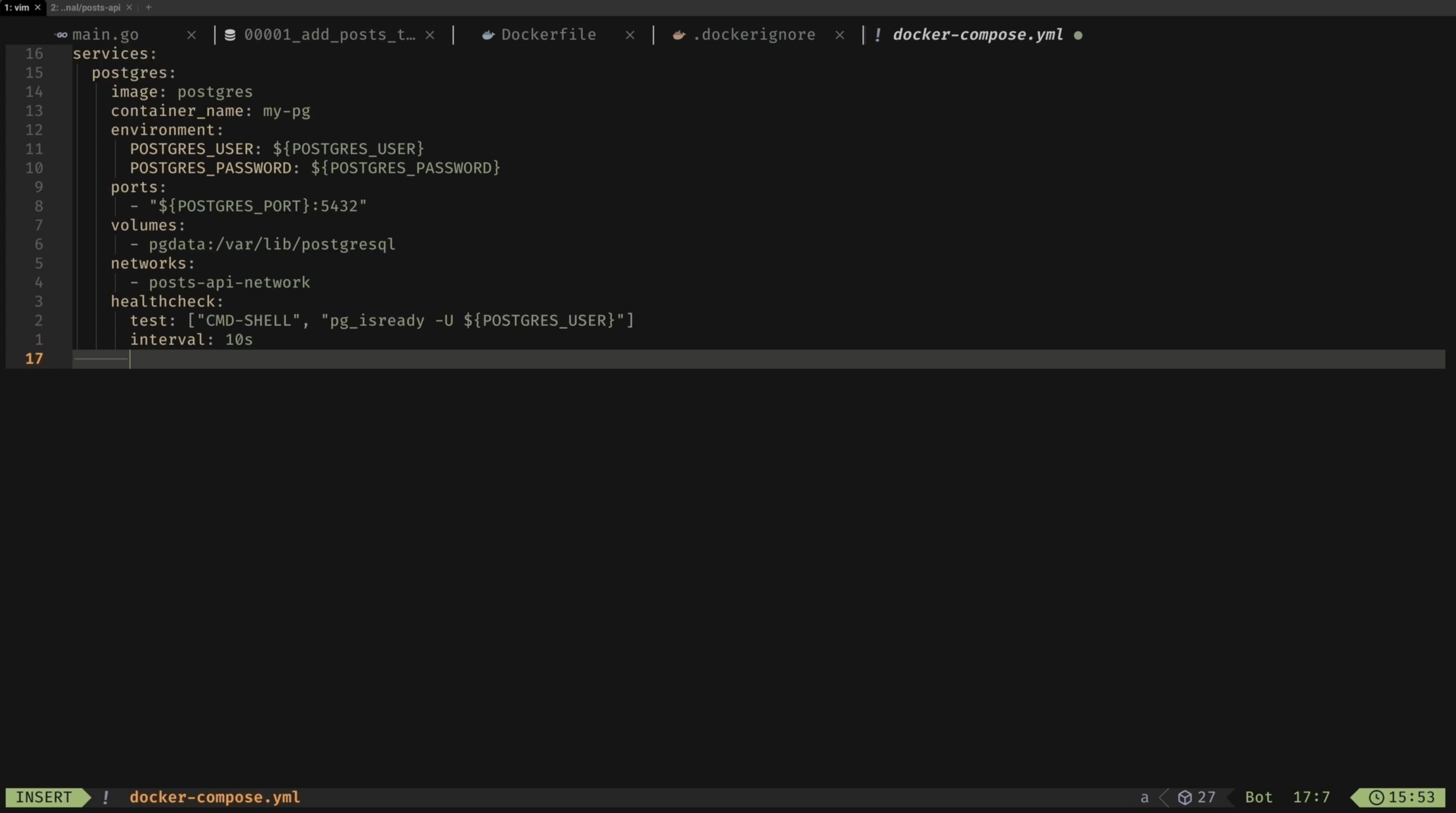
Day 10 — Docker Compose: Creating a Compose File
39:49
Write a full docker-compose.yml file that defines and wires up every service in the project.
Day 11 — Docker Compose: Working with Multiple Containers
10:58
Run the whole multi-container setup together with Compose and understand what's happening under the hood.
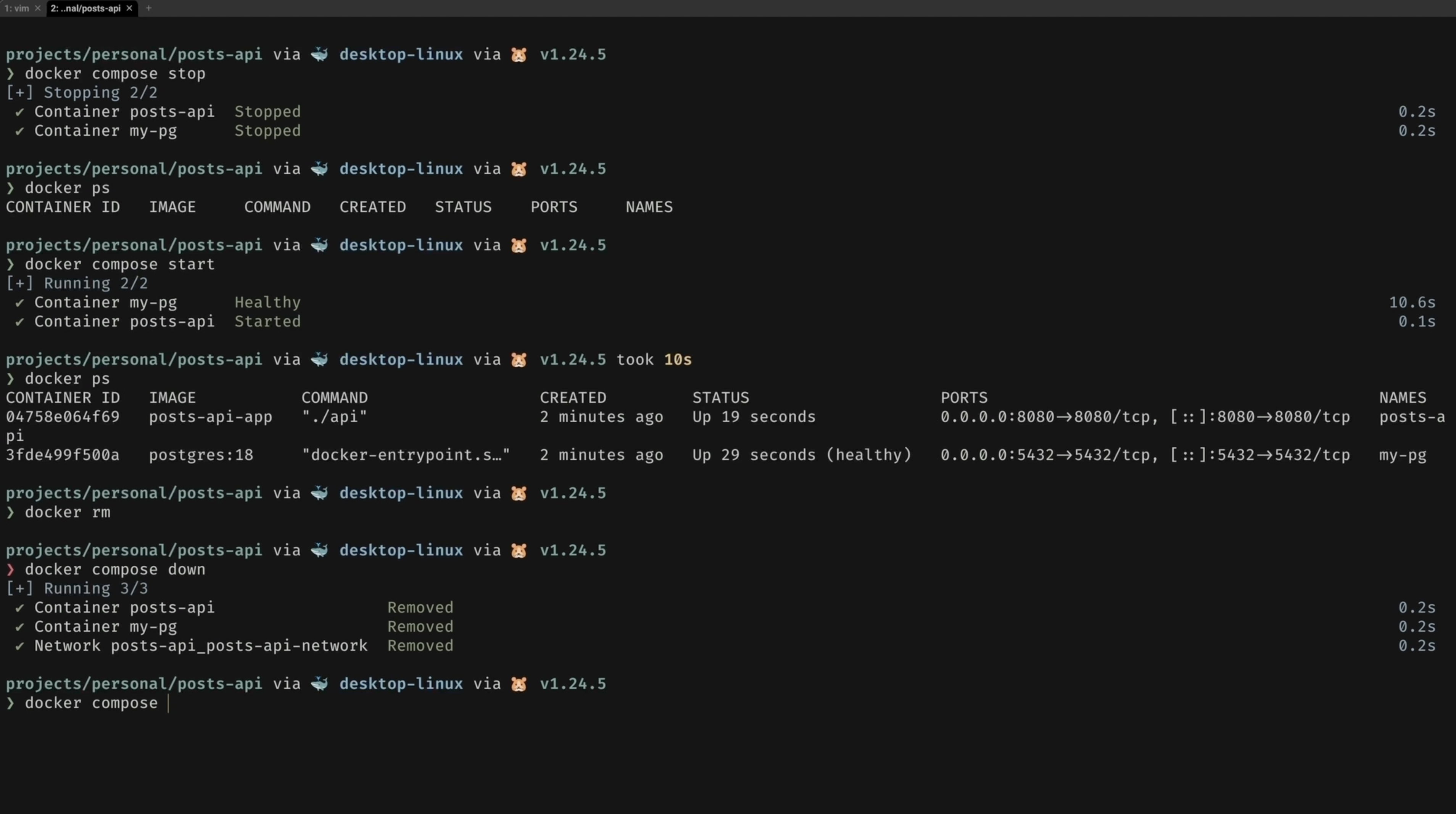
What people are saying
Finally understood Docker after years of copy-pasting Dockerfiles. The multi-stage build explanation alone was worth it.
Went from zero Docker knowledge to running a full Go + Postgres stack in Compose by day 11. Exactly as promised.
This is what I was actually looking for. Just a course on Docker for Go devs. Period.
Who it's for
- Go developers who haven't touched Docker yet and want to start right
- Backend engineers who copy Dockerfiles from Stack Overflow but couldn't explain a single line
- Developers tired of "it works on my machine" and ready to fix that permanently